
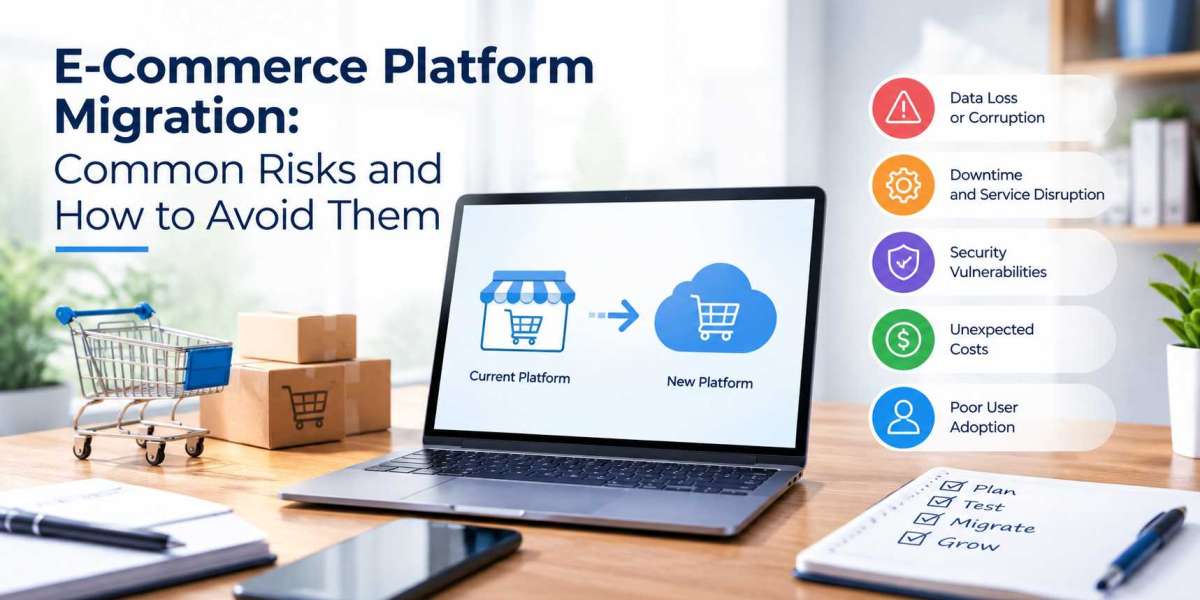

Moving an online store to a new platform can help businesses overcome limitations around performance, integrations, product management, and customer experience. However, migration involves much more than transferring products and changing the website design.
Businesses need to protect customer and order data, maintain search visibility, keep integrations working, and avoid unnecessary downtime. Understanding what is an e commerce platform and how it supports daily operations is a useful starting point.
A well-planned migration can provide a stronger foundation for growth. A poorly managed one can result in lost data, broken URLs, payment problems, and lost sales.
What Is E-Commerce Platform Migration?
E-commerce platform migration is the process of moving an online store from one ecommerce platform to another while transferring its data, functionality, integrations, and website structure. A business may migrate because its current platform has become difficult to scale, lacks required features, or does not integrate effectively with other business systems.
Depending on the business model, the new environment could be a hosted platform, open-source solution, custom store, or ecommerce marketplace.
A migration may include:
- Product and category data
- Customer accounts and order history
- Product images and content
- URLs and SEO metadata
- Payment and shipping systems
- ERP and CRM integrations
- Analytics and tracking
- Custom functionality
Understanding what needs to move before development begins can prevent costly problems later.
5 Risks That Can Disrupt Your Migration
1. Data Loss and Migration Errors
Product data can contain variants, SKUs, prices, images, categories, and inventory information. Customer records may also connect with orders and other account details. Differences between the old and new databases can result in missing fields, duplicated records, or incorrect product relationships.
Create a data map before migration and test the transfer with a sample of products, customers, and orders. Keep a complete backup of the existing store.
2. SEO Rankings and URL Changes
Platform changes often affect URL structures. If old product or category URLs disappear without suitable replacements, customers may encounter broken pages and search engines may lose existing URL signals.
Google recommends preparing URL mappings, using permanent redirects, updating internal links, and submitting the new sitemap when URLs change during a site move.
SEO should therefore be included in the migration plan from the beginning.
3. Downtime and Lost Sales
An ecommerce store cannot afford unnecessary downtime, particularly during busy trading periods.
Build and test the new website while the existing store continues operating. Plan the final cutover carefully and assign responsibility for data, DNS, hosting, payments, integrations, and testing. A rollback plan should also be ready in case a serious issue appears after launch.
Businesses should also review their secure e-commerce checkout process to ensure payment and customer journeys remain protected after migration.
4. Integration and Functionality Issues
Most ecommerce businesses depend on external systems such as ERP software, CRM platforms, accounting tools, payment gateways, shipping providers, warehouses, and marketing platforms.
The new platform may use different fields, APIs, product IDs, or order statuses. As a result, an integration that worked previously may fail after migration. Test every critical connection individually and then test it through a complete customer order journey.
5. Security and Payment Risks
Payment systems require particular attention during migration. New plugins, APIs, scripts, and payment integrations can introduce additional security considerations.
Review administrator access, authentication, SSL/TLS, third-party scripts, payment configuration, and user permissions. Test successful payments, declined transactions, refunds, confirmations, and notifications before launch.
How to Plan a Safe E-Commerce Migration
Audit Your Current Platform
Document your products, customers, orders, content, URLs, integrations, payment methods, shipping options, and custom features. Identify functionality that is essential and remove outdated features rather than automatically rebuilding everything. This audit provides a clear picture of what the new platform needs to support.
Map Data, URLs and Integrations
Create separate maps for data, URLs, and integrations. Document where each important data field will go, which old URLs need new destinations, and how external systems will connect to the new platform. This preparation makes technical issues easier to identify before launch.
Create a Migration and Rollback Plan
Define the final backup process, data transfer, DNS change, launch responsibilities, and testing sequence. Decide how orders and inventory will be handled during the final cutover. Most importantly, document the conditions and steps for returning to the previous store if a critical problem occurs.
How to Protect SEO During Migration
Preserve URLs and Metadata
Keep existing URLs wherever practical. If URLs must change, map important product, category, content, and landing pages to their new destinations. Review title tags, meta descriptions, headings, canonical URLs, structured data, and internal links before launch.
Set Up Redirects
Use permanent redirects when an old URL has moved to a relevant new page. Avoid sending every old URL to the homepage. Redirects should point users and search engines to the closest relevant destination, while unnecessary redirect chains should be avoided.
Monitor Rankings and Traffic
Monitor organic traffic, indexed pages, crawl errors, important rankings, and conversions after launch. Google Search Console can help identify indexing and crawling issues. Analytics can show whether changes in organic traffic are affecting sales. Some fluctuations may occur while search engines process the migration, so monitoring should continue beyond launch day.
How to Test Your New E-Commerce Platform
Test Checkout and Payments
Run complete test orders and check cart calculations, discounts, shipping, taxes, payment authorisation, refunds, confirmation emails, and failed payments. Test different payment methods and both desktop and mobile checkout journeys.
Verify Integrations and Product Data
Compare migrated products with the original store, including names, SKUs, variants, prices, images, inventory, and categories. Then test connected ERP, CRM, fulfilment, accounting, and marketing systems.
This is particularly important when using ecommerce development solutions that include custom integrations or functionality.
Check Performance and Security
Test product pages, category pages, search, cart, checkout, and account areas across devices. Review loading performance, Core Web Vitals, server response times, SSL/TLS, authentication, permissions, APIs, and third-party scripts before launch.
When Does Custom E-Commerce Development Make Sense?
Standard ecommerce platforms can meet the needs of many businesses. Custom development becomes useful when standard features or available integrations cannot efficiently support important business processes.
It may be suitable for:
- Complex product configuration
- Custom pricing rules
- Subscription models
- Bespoke marketplace functionality
- ERP or CRM integrations
- Specialised fulfilment
- Customer portals
- Custom reporting
Custom ecommerce development can provide greater control when these requirements are central to the business. The decision should consider development costs, maintenance, security, integrations, scalability, and long-term business requirements rather than technology preferences alone.
For businesses rebuilding their storefront alongside the platform, e commerce web development can cover frontend, backend, integrations, testing, and deployment.
E-Commerce Migration Checklist
Before Migration
- Audit the current platform
- Back up business data
- Document integrations
- Map URLs
- Review SEO metadata
- Test the new platform
- Prepare redirects
- Create a rollback plan
During Migration
- Take the final backup
- Transfer products and customer data
- Verify important records
- Configure integrations
- Activate redirects
- Test payments
- Confirm analytics
- Run customer journey tests
After Launch
- Crawl the new website
- Check redirects and broken links
- Submit the sitemap
- Monitor Search Console
- Check indexing
- Monitor organic traffic
- Review checkout conversion
- Resolve technical issues
FAQs About E-Commerce Migration
How long does e-commerce migration take?
The timeline depends on the store's size, data, integrations, and custom functionality. A small store can be relatively straightforward, while a complex ecommerce operation requires more planning and testing.
Can customer and order data be migrated?
In many cases, yes. The available options depend on the source and destination platforms, their APIs, database structures, and migration tools. Data should be mapped and tested before the final transfer.
Will migration affect SEO?
It can. URL changes, missing redirects, metadata changes, broken internal links, and indexing issues can affect organic visibility. Careful planning and post-launch monitoring can help identify problems quickly.
Should the old website remain online during development?
Generally, yes. The existing store can continue accepting orders while the replacement is built and tested in a staging environment. The final switch can happen once critical journeys have been verified.
Do I need professional development support?
Simple migrations may be handled using platform tools, but complex projects often require development expertise for data migration, APIs, integrations, payments, and custom functionality. Businesses can use web design and development services to manage these areas together.
Can migration cause lost sales?
Yes, particularly if checkout, payments, inventory, redirects, or integrations fail after launch. Testing the new platform thoroughly and maintaining a rollback plan can reduce these risks.
Should every old feature be recreated?
No. Migration is an opportunity to remove outdated functionality and simplify workflows. Only features that support current or future business requirements need to be carried into the new platform.
Businesses can also explore AI-powered e-commerce personalization as part of a broader strategy for product discovery and tailored customer experiences. A successful migration is not simply about launching a new website. It is about moving the business operation while protecting data, SEO, functionality, security, and customer experience.




